Does KOReader Solve Stock E-Ink Software Limitations?
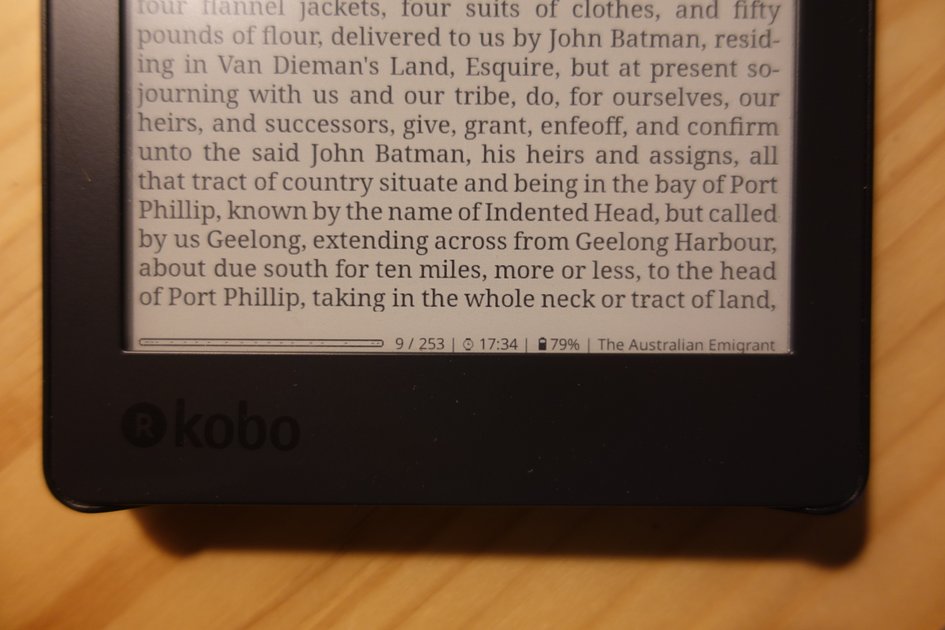
Most e-reader software is just a locked-down storefront. Amazon and Kobo don't actually want you to own your reading experience, they want you to stay inside their ecosystem where the margins are higher. It's frustrating because the hardware is usually fine, but the software treats you like a guest in your own device.
KOReader is the antidote to that. It's not a polished corporate product, but it turns a basic e-ink screen into a legitimate document processor. I've spent years fighting with PDF margins and weird font rendering on Kindle, and this is the first time I've felt like I actually have control over how a page looks.
It takes a bit of effort to get running, and the interface isn't exactly intuitive at first glance. But once you stop fighting the default settings, you realize how much utility you've been missing. Whether it's better support for obscure formats or a level of customization that would make a Kindle developer sweat, there's a reason this project has persisted.
The Philosophy of a Document Viewer
KOReader is a document viewer, not a library manager. This is a deliberate choice. Most e-readers try to be an entire bookstore and filing system, which usually means the actual reading interface is just a skin over a rigid corporate OS. KOReader ignores the library management side and focuses entirely on how the pixels hit the screen. It's a tool for people who already have their files organized and just want a way to read them without fighting a proprietary UI.
The most annoying part of digital reading is how "page numbers" work. In most apps, a page is just a slice of a screen. If you increase the font size, the book suddenly has more pages, and your bookmarks shift. This is genuinely confusing because it treats a book like a website rather than a physical object. To fix this, KOReader lets you toggle "stable page numbers."
./koreader --config-file=custom_settings.confThe technical trade-off is simple. By default, one screen is one page. This means any change in formatting triggers a renumbering of the entire book, affecting the table of contents and your bookmarks. Switching to stable page numbers decouples the page count from the layout settings. It's a small toggle, but it's the difference between a device that feels like a tablet and one that feels like a book.
The shift toward this open-source flexibility is a reaction to the walled gardens of Kindle and Kobo. When you control the viewer, you control the rendering engine. You get a few specific advantages:
- Precise control over margins and line spacing
- Support for a massive range of formats (PDF, EPUB, DjVu)
- The ability to map custom hardware buttons to specific actions
Handling Complex Formats
KOReader is better than stock e-reader software because it doesn't treat a PDF like a static image. Most readers just shrink the page to fit the screen, which makes text unreadable on a 6-inch display. KOReader uses a "PDF Reflow" engine that strips the text from the PDF layout and wraps it to fit your specific screen size. It's essentially converting a fixed document into a dynamic one on the fly.
The logic behind page numbering here is genuinely confusing. Usually, one screen is one page. If you change the font or margin, the total page count changes, which breaks your bookmarks and table of contents. To fix this, KOReader offers "stable page numbers." This keeps the pagination consistent across different devices, regardless of how the layout is shifted.
It handles file types that typically crash standard software, such as:
- Large, complex PDFs with embedded layers
- DJVU files
- CBZ and CBR comic archives
- EPUBs with non-standard CSS
Since KOReader is highly configurable, you can automate your layout preferences via a configuration file. If you're installing it on a Kobo or Kindle, you'll likely spend your first hour tweaking the settings.reader file to get the margins right.
-- Example snippet from a KOReader configuration file
-- Adjusts the default margin and font size for reflowed PDFs
settings.reader.margin = 5
settings.reader.fontSize = 18
settings.reader.lineSpacing = 1.2
Beyond the Basic Page Turn
The release of a new build is rarely a revelation, but the specific shifts in how KOReader handles document indexing suggest a move toward stability over feature bloat. I've seen too many e-reader forks try to do everything—PDFs, EPUBs, web rendering—only to crash when you hit a 50MB file. By focusing on the underlying plumbing, the developers are acknowledging that for most of us, the "killer feature" is simply a device that doesn't hang when we turn the page.
I think there's a tendency to overvalue the sheer number of supported formats in these releases. In reality, a perfectly rendered PDF is worth more than ten half-baked support layers for obscure file types. This update doesn't reinvent the reading experience, but it makes the existing one less brittle.
The real question is whether this level of optimization can keep up with the increasingly messy metadata of modern ebooks. I'm not convinced that software-side tweaks can fully solve the problem of poorly formatted source files, but it's a step toward making the hardware feel less like a bottleneck.
Installation and Setup
The installation process for KOReader is straightforward if you're comfortable with a manual setup, but I think the reliance on GitHub releases as the primary distribution point underestimates the friction for the average e-reader user. Most people aren't comfortable sideloading binaries or tinkering with file systems on a locked-down Kindle or Kobo.
For the power user, this is fine. For everyone else, the gap between "downloading a release" and having a functioning reader is where most people will drop off. I've seen similar tools fail not because the software was bad, but because the installation required a level of technical bravery that the target audience doesn't possess.
The real question is whether the utility of the feature set justifies the risk of bricking a device during setup. I'm not sure it does for the casual reader.
Conclusion
Stock e-ink software is designed to keep you inside a walled garden, prioritizing a frictionless, simplified experience over actual control. KOReader is the opposite. It treats the device like a computer that happens to have an e-ink screen, giving you the PDF reflow and granular formatting tools that manufacturers usually omit to keep the UI "clean."
Whether the installation hurdle is worth it depends on how much you hate fighting with a PDF on a small screen. If you're fine with the basics, stick to the stock software. But if you're tired of the limitations, the binaries are on GitHub.
I'm still not sure if the average reader will ever put up with the setup process for this much control, or if we've just become okay with mediocre software because it's "simple."